Screens have become part of almost everything we do.
We look at our phones when we wake up. We work on computers. We watch television. We scroll through social media. We answer messages, read articles, shop online, check directions, watch videos, and sometimes spend hours looking at a screen without realizing how much time has passed.
Our eyes are working through all of it.
While screens are an unavoidable part of modern life for many people, long periods of close-up screen use can leave your eyes feeling tired, dry, irritated, or strained.
Today’s Health Tip of the Day is remarkably simple:
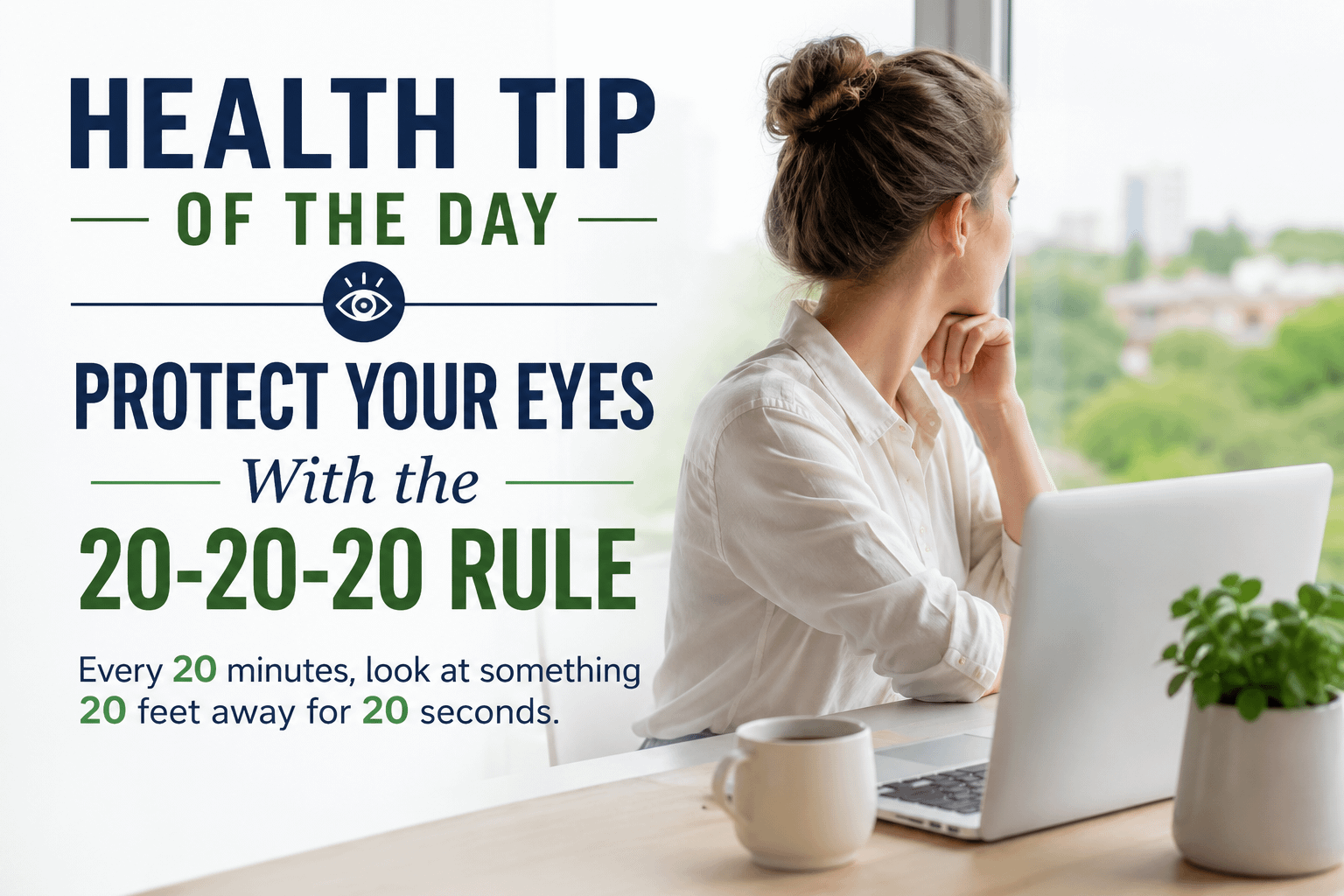
Use the 20-20-20 rule.
Every 20 minutes, look at something approximately 20 feet away for at least 20 seconds.
That’s it.
You don’t need special equipment.
You don’t need an app.
You don’t need to leave your desk.
You simply give your eyes regular opportunities to shift their focus away from something close and look into the distance.
It’s a small habit that can make you more aware of how long you’ve been staring at a screen and encourage regular visual breaks throughout your day.
What Is the 20-20-20 Rule?
The 20-20-20 rule is an easy way to remember to give your eyes periodic breaks during prolonged close-up work.
The idea is:
Every 20 minutes
Look approximately 20 feet away
For at least 20 seconds
If you’re working at a desk, you could look out a window.
You might look down a hallway.
You could focus on a picture or object on the opposite side of the room.
If you’re at home, look into your backyard.
The exact distance doesn’t have to be measured. The important idea is to stop focusing on the nearby screen and look at something farther away.
Then return to whatever you were doing.
Twenty seconds may not seem significant, but these tiny breaks are easy to incorporate into a busy schedule.
Why Your Eyes Can Feel Tired After Screen Time
Think about how you use a computer or phone.
Your eyes may remain focused at approximately the same distance for long periods while you read small text, watch moving images, switch between windows, and concentrate on detailed information.
You may also blink differently while concentrating on a screen.
After enough time, you might notice symptoms such as:
- Tired eyes
- Dryness
- Burning or irritation
- Blurry vision
- Difficulty refocusing
- Headaches
- Increased sensitivity to light
- General eye discomfort
These symptoms are often grouped under terms such as digital eye strain or computer vision syndrome.
The answer isn’t necessarily abandoning technology.
For most people, that’s unrealistic.
A more practical approach is improving the way we use technology.
Start by Noticing How Long You Actually Spend on Screens
Many of us underestimate our screen time.
Computer use at work is only part of it.
Consider an average day.
You might wake up and check your phone.
Then you use your phone while drinking coffee.
You drive to work and occasionally check your navigation screen.
You spend several hours working at a computer.
During lunch, you scroll through your phone.
After work, you check email.
You watch television while also using your phone.
Then you spend another 30 minutes scrolling before going to sleep.
None of these individual activities may seem excessive.
Combined, however, they can represent a large portion of your waking day.
That’s why intentional breaks matter.
Set a 20-Minute Reminder
Remembering the 20-20-20 rule can be harder than following it.
You begin working.
You become focused.
Twenty minutes becomes an hour.
An hour becomes two hours.
Suddenly you’ve been staring at your computer for most of the afternoon.
A reminder can help.
Set a repeating timer while you’re doing prolonged screen work.
When it goes off, don’t automatically dismiss it.
Look away.
Find something in the distance.
Relax your gaze.
Count slowly to 20.
Then return to work.
After you’ve practiced this consistently, you may begin remembering without the reminder.
Look Out the Window
A window can make the 20-20-20 rule especially easy.
Instead of looking across your office, look outside.
Focus on a tree.
Look at a building in the distance.
Watch clouds.
Look toward the horizon.
Notice a bird.
You aren’t trying to study the object.
You’re simply changing your visual focus for a short period.
As an added benefit, those 20 seconds can also become a small mental break.
You temporarily stop looking at emails, spreadsheets, social media, news, messages, and notifications.
For 20 seconds, you’re simply looking outside.
Sometimes a tiny pause is exactly what a busy day needs.
Remember to Blink
Blinking is so automatic that we rarely think about it.
But when we’re intensely concentrating on a screen, we can become less conscious of blinking normally.
If your eyes frequently feel dry while working at your computer, occasionally remind yourself to blink fully.
You can even incorporate this into your 20-20-20 break.
Look into the distance.
Relax your eyes.
Blink slowly several times.
Then return to your screen.
It sounds almost too simple to qualify as a health habit, but some of the best everyday health habits are exactly that—simple things we can actually remember and repeat.
Adjust Your Screen Position
Where you place your monitor can affect how comfortable it is to use.
Avoid positioning yourself so that you’re constantly leaning forward, squinting, twisting your neck, or holding your head in an uncomfortable position.
Sit at a comfortable distance where text is easy to read.
If you constantly find yourself moving closer to the screen to see clearly, increasing the text size may be better than repeatedly leaning forward.
Your workstation should adapt to you.
You shouldn’t have to spend eight hours adapting your body to an uncomfortable workstation.
Increase the Text Size
Tiny text forces you to work harder than necessary.
Fortunately, almost every modern device allows you to increase text size or zoom.
Use it.
There is no prize for reading the smallest possible font.
If increasing text size allows you to sit comfortably and read without squinting, that’s a worthwhile adjustment.
On websites, documents, and many applications, zoom controls can make reading considerably more comfortable.
Your phone also likely has accessibility settings that allow you to increase the default text size.
Experiment until you find something comfortable.
Pay Attention to Glare
Have you ever tried using your phone outside while sunlight reflected directly off the screen?
You instinctively move the phone because the glare makes it difficult to see.
The same issue can happen indoors.
Overhead lighting, lamps, windows, and other light sources can reflect from computer screens.
If you’re constantly fighting glare, consider adjusting your setup.
Move the monitor slightly.
Close or partially adjust blinds.
Change the position of a lamp.
Experiment with screen brightness.
Small environmental adjustments can make your workspace considerably more comfortable.
Don’t Automatically Turn Your Screen to Maximum Brightness
Brighter isn’t always better.
Your screen should generally be comfortable for the environment you’re using it in.
A screen that feels comfortable outdoors may feel overwhelmingly bright in a dark bedroom.
Likewise, a very dim screen in a brightly lit room may cause you to struggle to see it.
Adjust the brightness to something comfortable rather than automatically leaving it at maximum.
Most modern devices make this easy, and many include automatic brightness features.
Take Bigger Breaks Too
The 20-20-20 rule shouldn’t be your only break.
If you’ve been sitting at a computer for a long period, occasionally get up.
Walk around.
Stretch.
Refill your water.
Use the restroom.
Step outside.
Talk to a coworker.
Do something that doesn’t involve another screen.
This gives your eyes a longer break while also helping you interrupt prolonged periods of sitting.
Instead of spending your work break looking at your computer and then immediately picking up your phone, give yourself a genuine screen break occasionally.
Your Lunch Break Doesn’t Have to Be Another Hour of Screen Time
Lunch is a perfect example.
You close the laptop.
Then you immediately open your phone.
Technically, you stopped working.
Your eyes, however, are still staring at a nearby screen.
Try spending at least part of your lunch away from screens.
Eat outside.
Talk with someone.
Take a short walk.
Sit somewhere comfortable.
Look around.
Give your eyes—and your mind—a different environment.
Even ten minutes can provide a welcome change.
Be Careful With Screen Time Before Bed
Many people finish their day exactly where they started it: looking at their phones.
You climb into bed.
Check social media.
Watch a few videos.
Read some news.
Respond to messages.
Look at tomorrow’s weather.
Check email one last time.
Then suddenly 45 minutes have passed.
Beyond eye comfort, nighttime screen habits can also compete with something extremely important for your health: sleep.
If scrolling regularly keeps you awake later than you intended, consider creating a point in the evening when your phone goes down.
Charge it away from the bed if that helps.
Your eyes aren’t the only part of your body that benefits from disconnecting occasionally.
Remember That Phones Count Too
When people think about digital eye strain, they often picture office workers sitting in front of computer monitors.
Phones deserve attention too.
In fact, phones can encourage even closer viewing distances.
Think about how close you hold your phone while reading small text.
If you’re spending a long time on your phone, apply the same principle.
Every so often:
Put the phone down.
Look across the room.
Look out the window.
Blink.
Move around.
Then decide whether you actually need to pick the phone back up.
Sometimes the break reminds you that you’ve been scrolling much longer than intended.
Try the Rule While Watching Television Too
Television is usually viewed from farther away than a phone or computer, but long viewing sessions can still mean spending hours looking in essentially the same direction.
Commercial breaks or the end of an episode can become natural opportunities to move.
Stand up.
Walk around.
Look outside.
Get some water.
Stretch.
Instead of immediately beginning the next episode, give yourself a few minutes away from the screen.
Make Your Workspace More Eye-Friendly
If you spend hours at a computer every day, your workstation deserves some attention.
Ask yourself:
Is the screen comfortable to read?
Is the text large enough?
Is there glare?
Am I sitting comfortably?
Is the monitor positioned well?
Do my eyes regularly feel dry?
Do I take breaks?
Do I spend my breaks looking at another screen?
Sometimes the problem isn’t one major issue.
It’s several small things happening for hours every day.
Fixing those small things can make your workday more comfortable.
Teach Children to Take Screen Breaks Too
Adults aren’t the only ones spending more time with screens.
Children may use computers or tablets for school, video games, entertainment, communication, and homework.
Healthy technology habits can start early.
Encourage children to take breaks.
Send them outside to play.
Encourage activities that don’t involve screens.
Remind them to look away periodically during long computer sessions.
The goal doesn’t have to be declaring technology bad.
Technology provides incredible educational and entertainment opportunities.
The goal is balance.
Combine the 20-20-20 Rule With Movement
You can make the habit even more useful by occasionally adding movement.
After several 20-minute cycles, stand up during one of your breaks.
Walk across the room.
Roll your shoulders.
Stretch gently.
Get a drink of water.
Walk to the window.
Then look into the distance.
Now you’ve interrupted both prolonged screen focus and prolonged sitting.
That’s a great example of stacking healthy habits together.
Use Natural Stopping Points
If a timer constantly interrupts your concentration, use natural stopping points instead.
Finish an email.
Then look away.
Complete a section of your document.
Take a visual break.
Finish a phone call.
Look out the window.
Complete a task.
Stand up for a minute.
You don’t have to follow the clock with absolute precision.
The larger goal is developing the habit of regularly giving your eyes a change of focus instead of staring at the same screen continuously for hours.
Don’t Ignore Persistent Eye Problems
The 20-20-20 rule is a general wellness habit, not a treatment for every eye problem.
If you experience persistent blurry vision, significant eye pain, frequent headaches, ongoing dryness or irritation, sudden vision changes, flashes of light, new floaters, double vision, or other concerning symptoms, don’t assume you simply need another screen break.
Talk with an appropriate healthcare or eye-care professional.
Regular eye examinations are also important because vision can change gradually.
Sometimes you don’t realize how much your vision has changed until you have it checked.
Small Health Habits Are Easier to Maintain
Health advice often sounds complicated.
Completely change your diet.
Exercise every day.
Transform your sleep schedule.
Eliminate stress.
Spend less time online.
Those goals can feel overwhelming because they involve major lifestyle changes.
The 20-20-20 rule is different.
It asks for 20 seconds.
That’s what makes it useful.
You can start today without buying anything or completely changing your schedule.
Twenty minutes pass.
Look away.
Twenty seconds pass.
Return to what you were doing.
Repeat.
Tiny habits become powerful when they’re repeated consistently.
Try a Screen-Break Challenge Today
For one day, pay attention to your screen habits.
Each time you realize you’ve been staring at your computer or phone for a long period, stop.
Look into the distance for at least 20 seconds.
Blink slowly.
Relax your eyes.
Then continue.
Also notice how often you automatically move from one screen to another.
Computer to phone.
Phone to television.
Television back to phone.
Simply becoming aware of that pattern can help you make more intentional choices.
Health Tip of the Day: Give Your Eyes Regular Breaks
Your eyes work hard every day.
They help you read, drive, work, recognize faces, enjoy photographs, watch sunsets, see the people you love, and experience countless details of everyday life.
Taking care of them doesn’t always require something complicated.
Sometimes it begins with remembering three numbers:
20-20-20.
Every 20 minutes of prolonged close-up screen use, look at something roughly 20 feet away for at least 20 seconds.
While you’re doing it, blink.
Relax your gaze.
Maybe stand up.
Look outside if you can.
Then return to your screen.
Twenty seconds isn’t going to derail your workday.
But it can remind you that your body wasn’t designed to spend hour after hour staring continuously at a glowing rectangle.
Use your technology.
Enjoy your technology.
Work with your technology.
Just remember to look away once in a while.
When was the last time you intentionally gave your eyes a break from your phone, computer, or television?
Leave a Reply